File History
The file history record stores the history information of the graphic file saved by the user each time.
Its role is to:
- Can be used to mark history periodically
- Can be used to restore files in case of misoperation
opeate detail :
- Created by the
version history ...button in the Drawing Tools Through MenuView:

- The drawing tool is created by buttons.

Version operation
Version history can be operated on the version history interface.
view File history
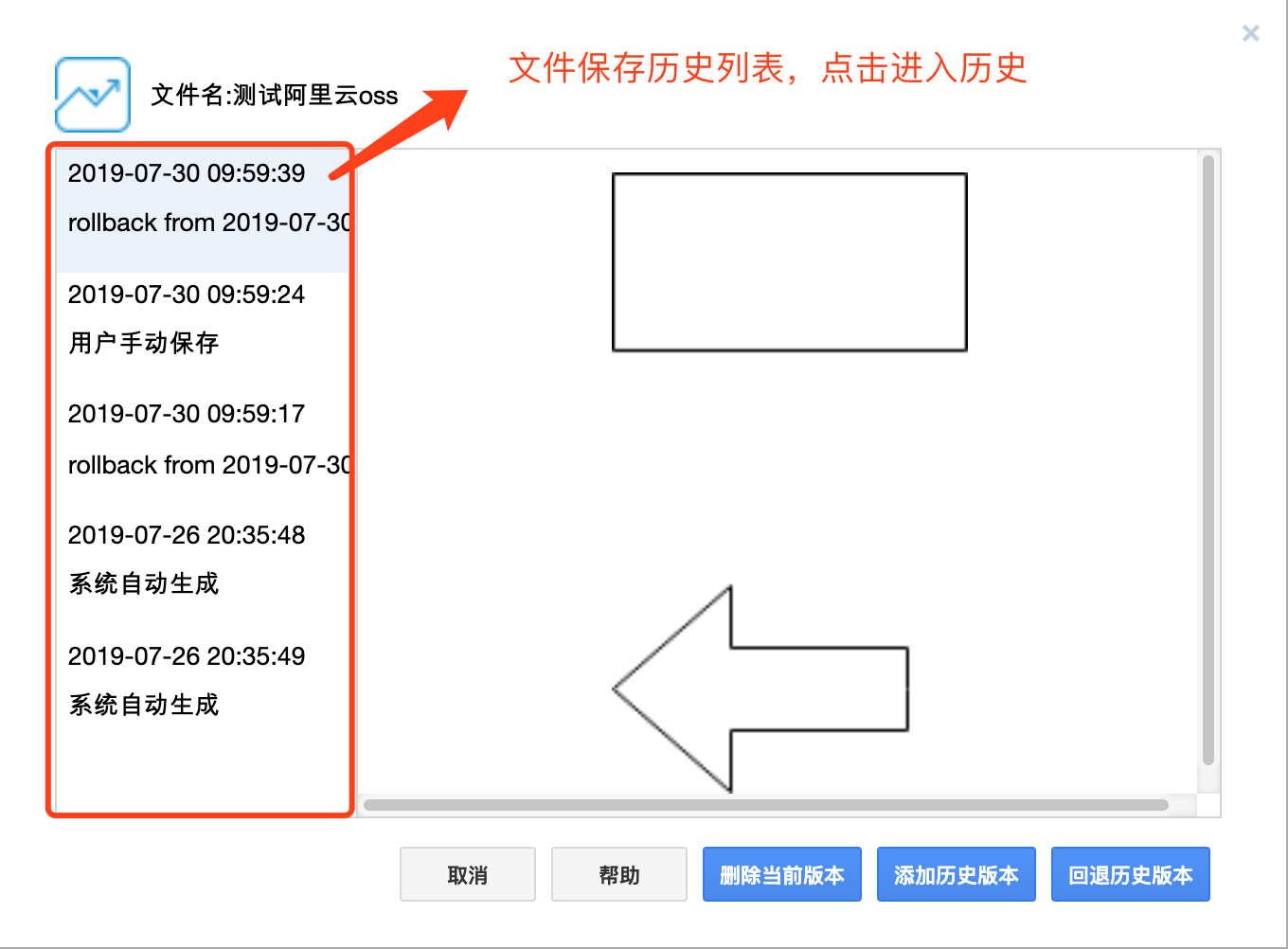
Version history operation
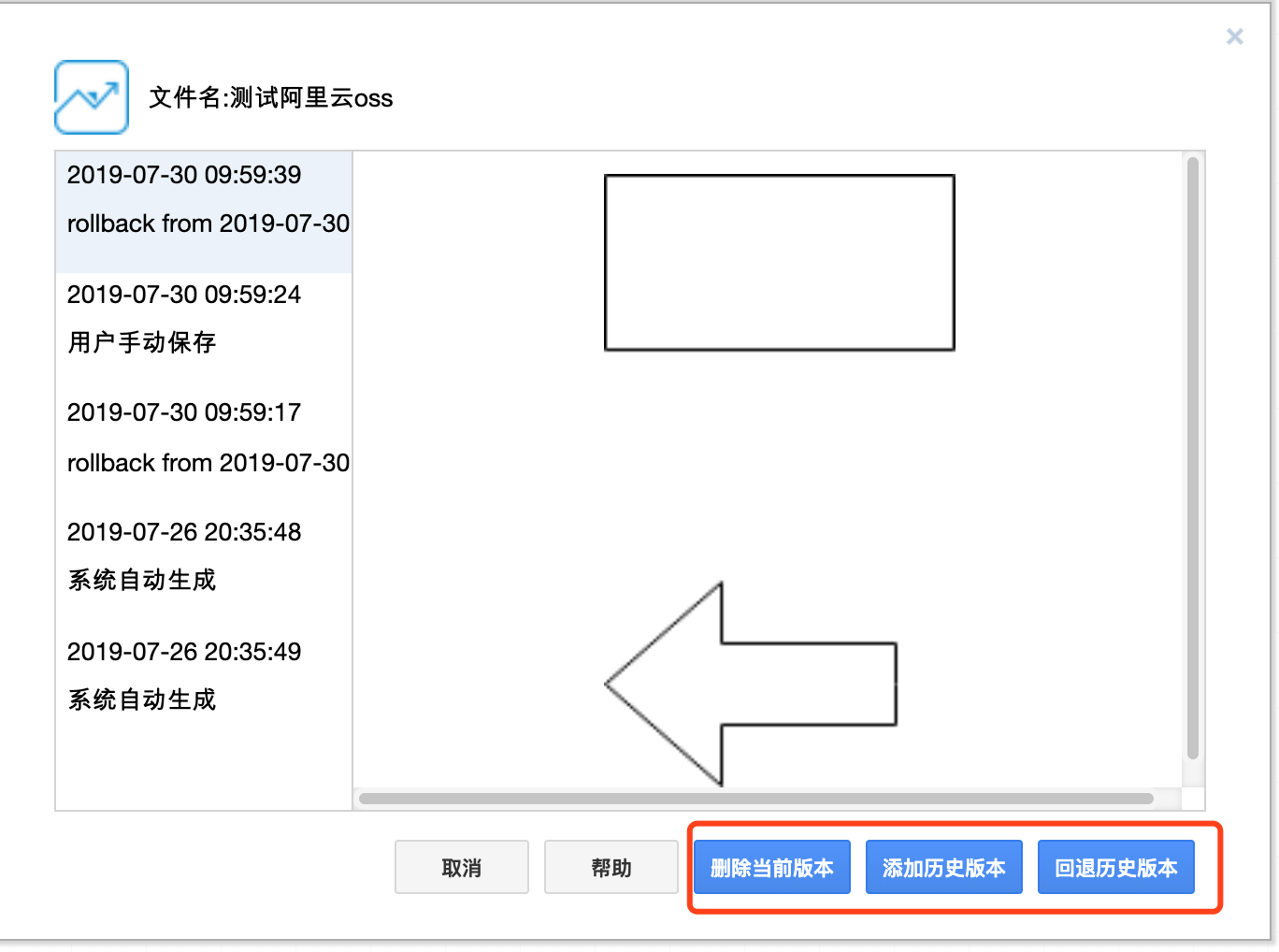
rollback history version
Select a version history and click the Back button to back off the current graphic to the corresponding version history
version history delete
- Select a version history and click the
Deletebutton to delete the corresponding version history
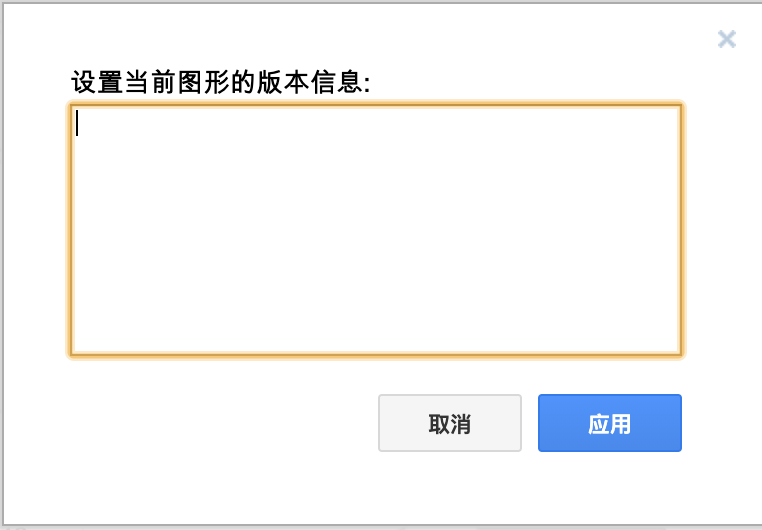
add version history
- Click the
Addbutton and enter comments to add the current graphic to the version history